
 English
 Español

Step 1: Listen for Motor Sound
This is the most crucial first step. Listening helps you determine if the Antenna Motor fault is mechanical (antenna mast/drive cable) or electrical (motor/power supply).
Auditory Diagnosis:
- Turn on the Power: Start the vehicle, or turn the ignition key to the ACCESSORY (ACC) position, and switch on the car radio.
- Listen Carefully: Position your ear close to the antenna mounting area (usually located in the fender or rear quarter panel) and listen closely.
- Analyze the Result:
- You Hear a “Whirring” or “Clicking” Sound: If the motor runs for a few seconds and then stops, but the antenna does not move, this indicates the motor is working. The problem is a broken nylon drive cable (mast cable) or stripped gears. The motor is running in vain.
- Complete Silence: If you hear absolutely no sound, it suggests that power is not reaching the motor, or the motor itself is dead. The fault is electrical.
Step 2: Check the Power Supply System
If the motor is completely silent, you must first inspect the power path.
Electrical Check Points:
- Inspect the Fuse:
- Consult your vehicle owner’s manual to locate the fuse box and find the fuse corresponding to the Antenna or Radio.
- Use a fuse puller to remove the relevant fuse and visually check if the filament is broken. If it is blown, replace it with a new fuse of the exact same rating
- Note: If the new fuse blows immediately, there is a short circuit in the motor or the wiring. Do not replace the fuse again until the short is identified.
- Test the Supply Voltage:
- Locate the antenna motor connector. With the radio ON, use a multimeter to measure the voltage between the power pin and the ground pin.
- The reading should be approximately. If there is no voltage, the issue could be a faulty antenna relay or a broken wire somewhere between the fuse and the motor.
- The relay is often located in a hard-to-reach area; consider replacing it only after confirming all external wiring is intact.
Step 3: Remove and Inspect the Antenna Mast and Drive Cable
If the motor is running (you hear sound), the antenna mast is either jammed or the cable is broken.
Mast Removal Steps:
- Loosen the Bezel Nut: From the exterior of the car, use a socket wrench or a special antenna wrench to carefully unscrew the decorative nut (bezel) that secures the antenna base. Be careful not to scratch the paint.
- Extract the Old Drive Cable: Turn the radio ON (or OFF, depending on your system, aiming to make the motor run). As the motor runs, gently pull the old antenna mast along with the attached white or black nylon drive cable out of the housing.
- Examine the Drive Cable:
- A complete drive cable should be a long plastic strip with uniform gear teeth.
- Check for signs of breaks, kinking, or stripped gear teeth. If the motor was running idle, a piece of the cable is likely broken off and coiled inside the motor reel.
- Repair Method: After cleaning out the broken debris from inside the motor, simply install a new antenna mast kit (which includes a new nylon drive cable).
Step 4: Deep Inspection of the Motor and Gearbox
If the mast and drive cable are fine, but the motor isn’t running and you’ve ruled out a fuse fault, you must remove the entire motor assembly.
Motor and Gear Inspection:
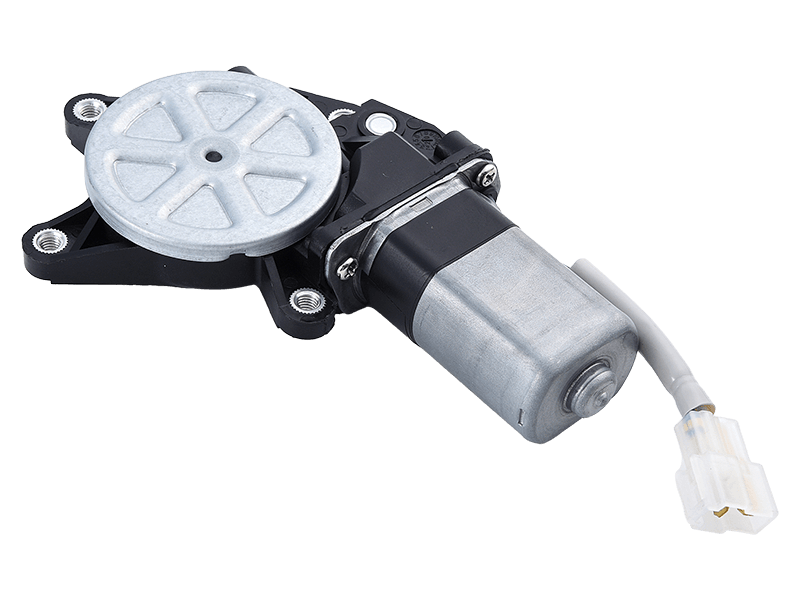
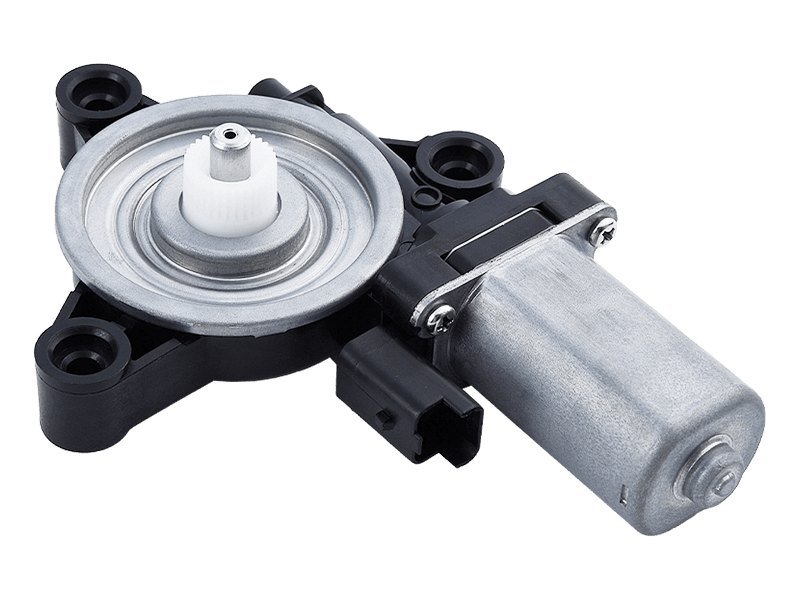
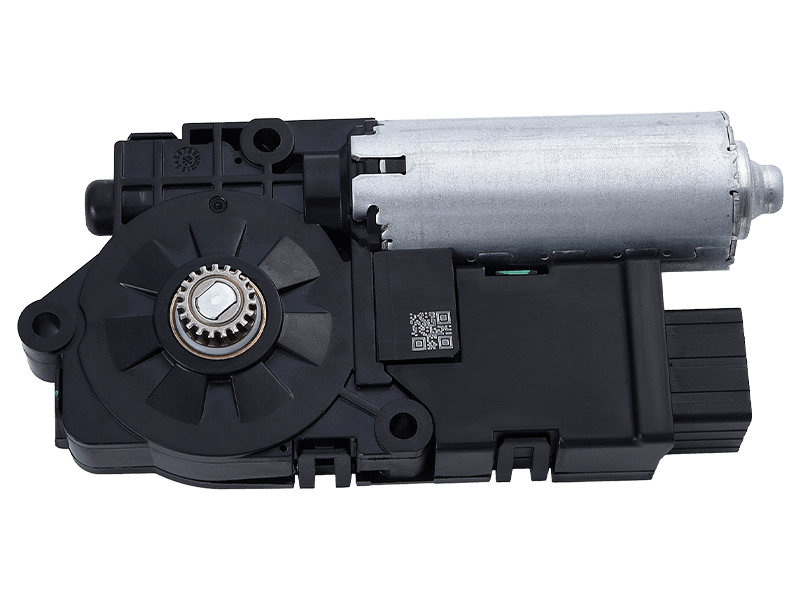
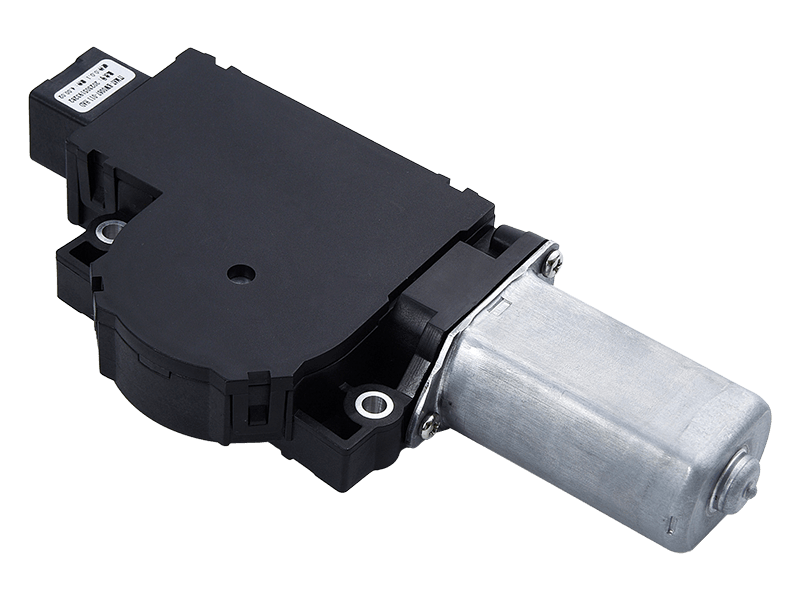
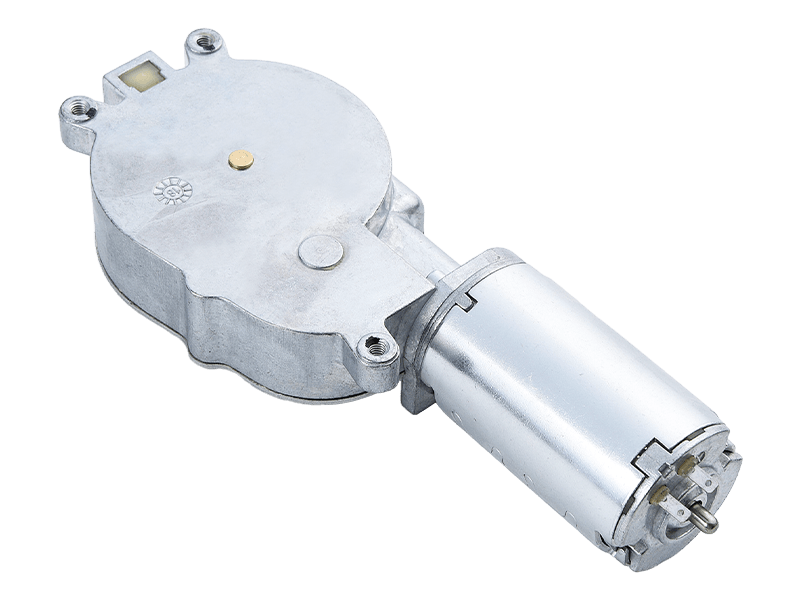
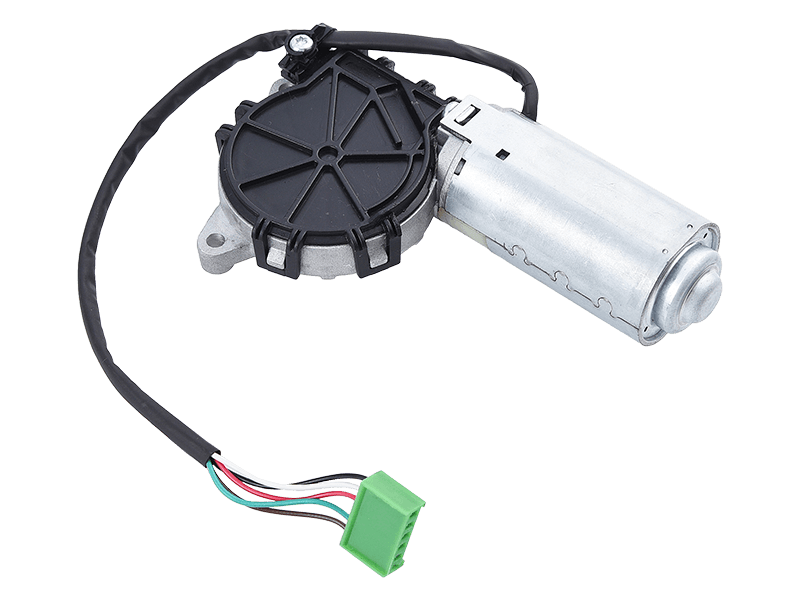
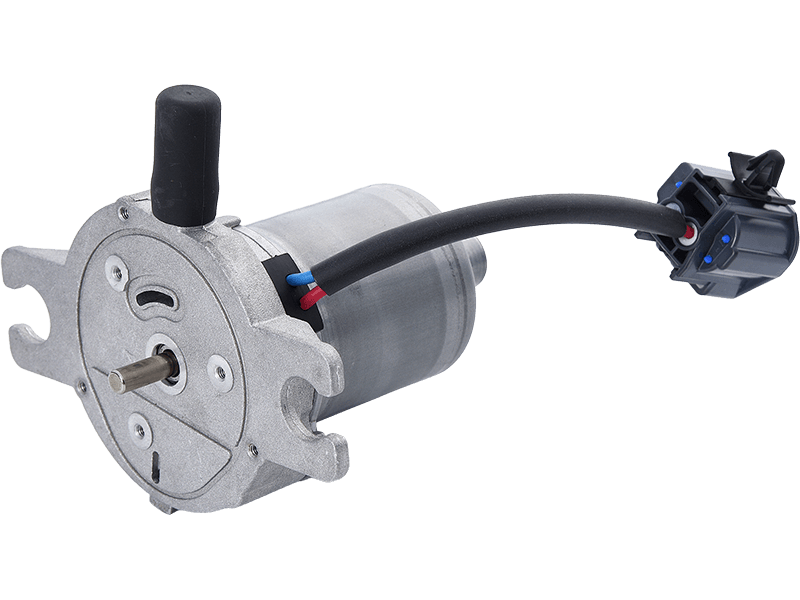
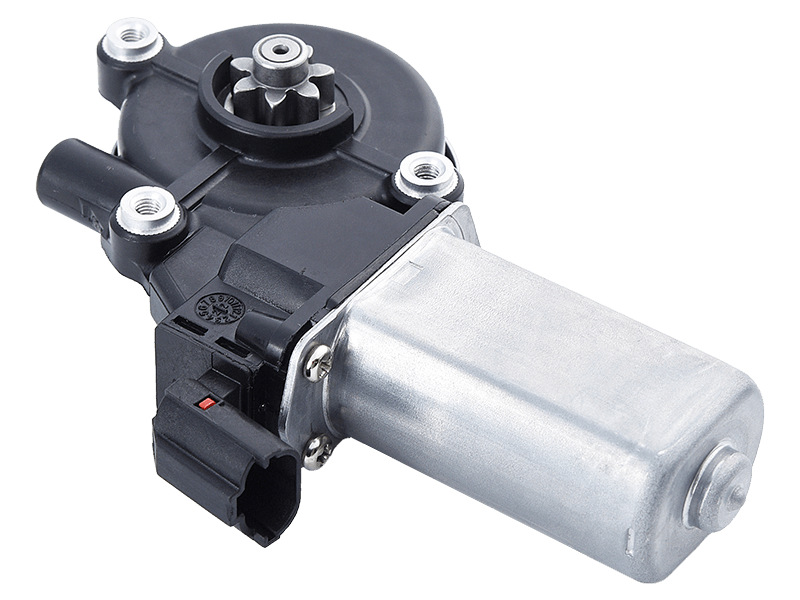
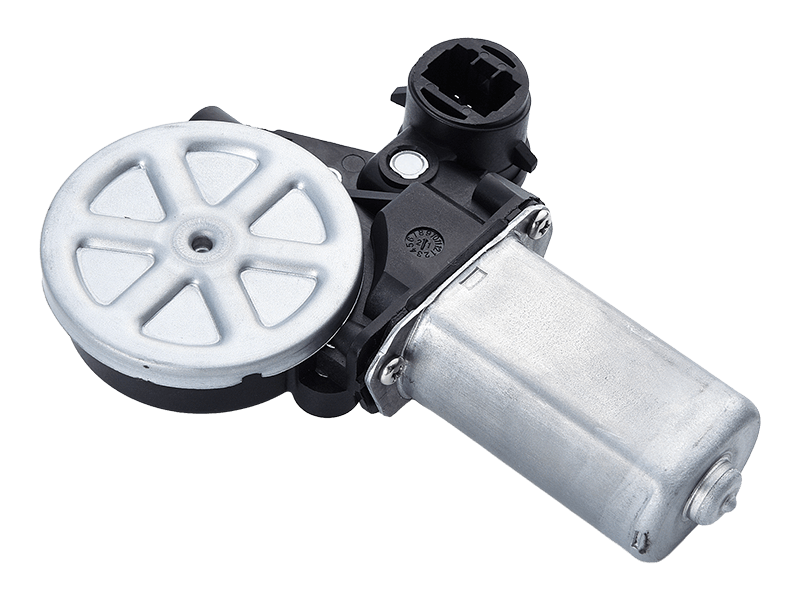
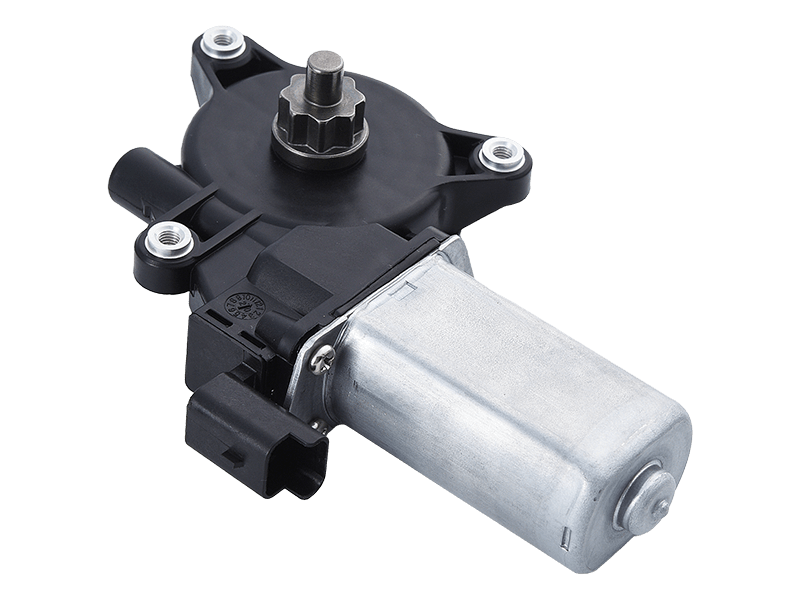
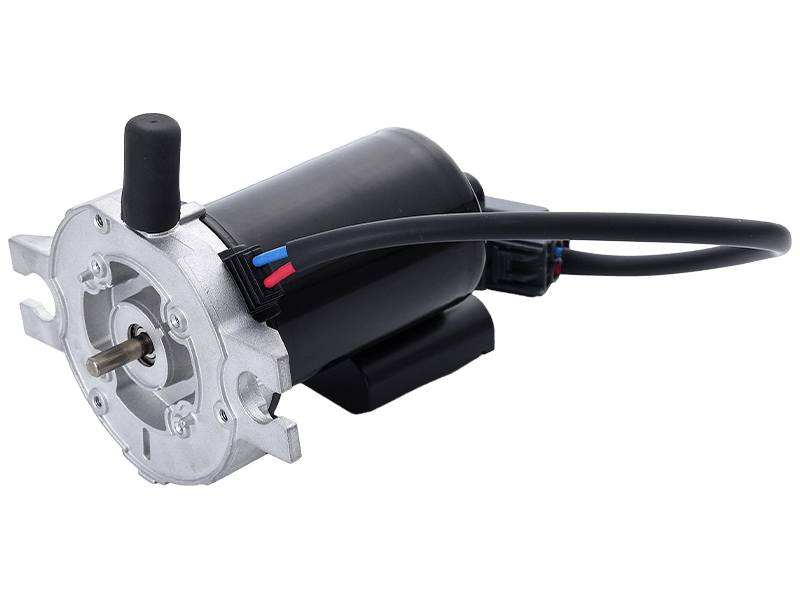
- Remove the Motor Assembly: Most cars require removing the wheel well liner or accessing the motor from the trunk/fender area. Disconnect the power and coaxial cable connectors.
- Open the Gearbox: Carefully unscrew and open the motor casing or gearbox cover. It is highly recommended to take a photo beforehand to record the precise arrangement of the internal gears and the drive cable reel.
- Check for Physical Faults:
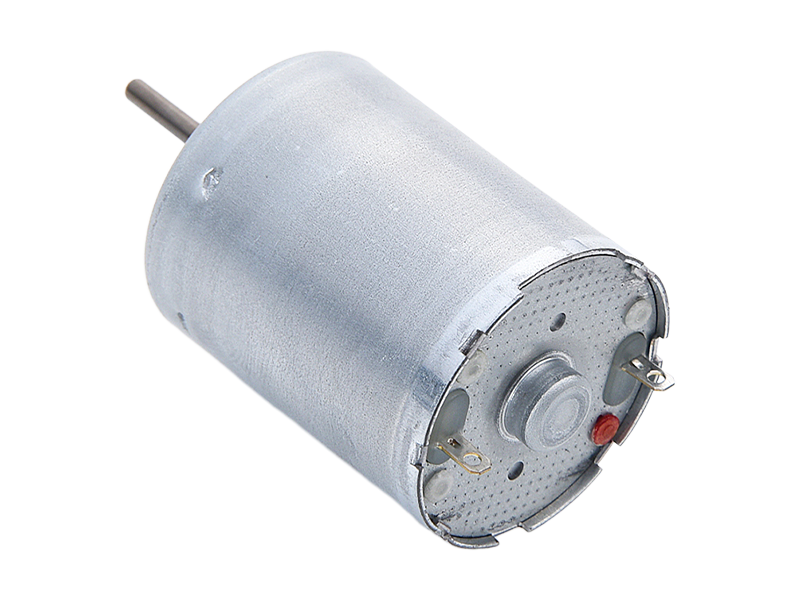
- Motor Seizure: Check the motor shaft for corrosion, rust, dirt, or debris that might be causing it to seize up.
- Gear Damage: Inspect the small drive gear and the large reel gear for breaks or excessive wear.
- Corrosion: Severe internal water corrosion is a major cause of motor failure and usually necessitates replacement of the entire motor assembly.
Step 5: Replace, Reassemble, and Function Test
Based on the diagnosis from Step 3 and Step 4, proceed with the repair and verify the functionality.
Repair and Verification:
| Diagnosis Result | Recommended Repair Action |
|---|---|
| Motor runs, drive cable is broken | Purchase and install a new antenna mast kit (replacing only the mast and cable). Ensure the geared side of the cable faces the correct way when fed into the motor. |
| Motor does not run, power is normal | Replace the entire antenna motor assembly. |
| Fuse keeps blowing | Check the wiring for a short circuit or replace the motor. |
- Reassembly: If replacing the mast, ensure the cable is fed correctly into the motor reel. If replacing the entire motor, ensure it is bolted down securely.
- Function Test:
- Reconnect the power and antenna coaxial cables.
- Turn the radio ON: The antenna should fully extend.
- Turn the radio OFF: The antenna should fully retract.
- Ensure the extension and retraction process is smooth, with no jamming or abnormal noises.
 +0086-0574-88427838